Choose sketch creation mode
Create Your Tattoo Sketch
Create Sketch from Tattoo Photo
Edit Sketch or Photo
Latest user-created tattoo sketches
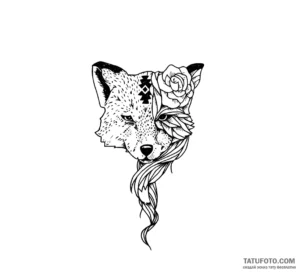
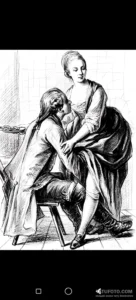
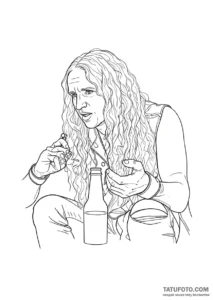
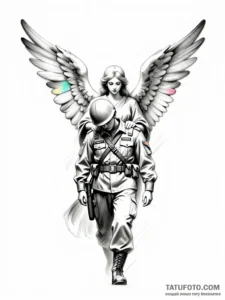
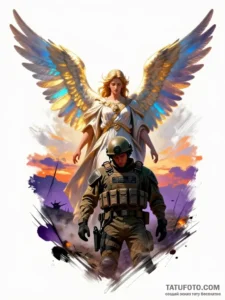
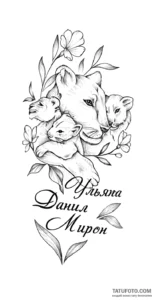
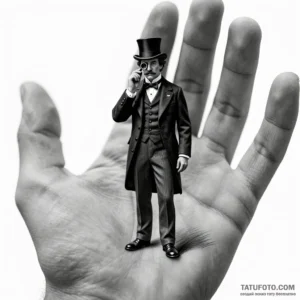
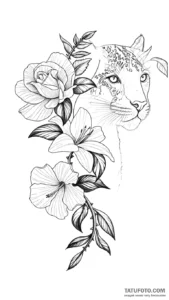
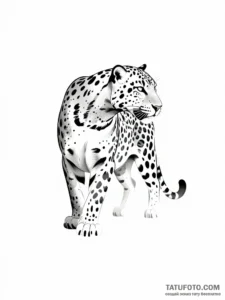
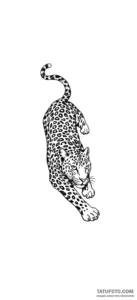
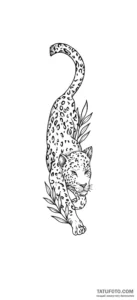
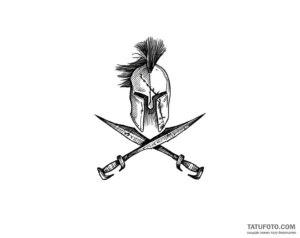
TOP sketches of the week
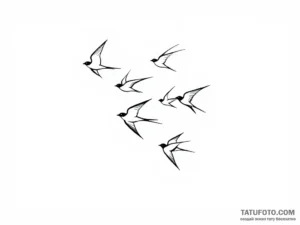
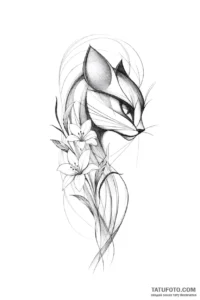
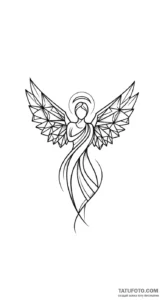
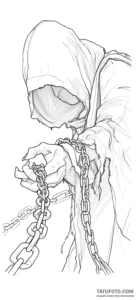
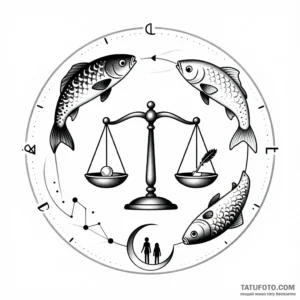
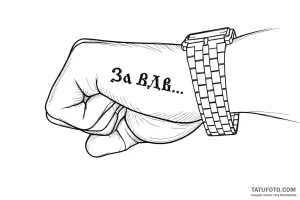
TOP sketches of the month
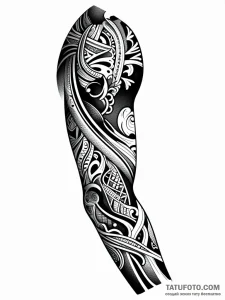
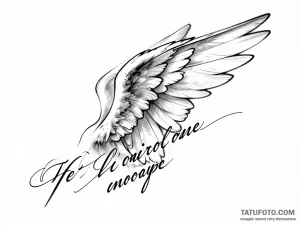
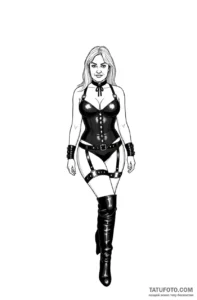
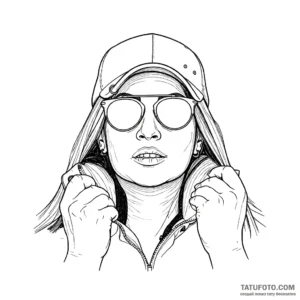
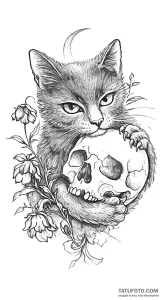
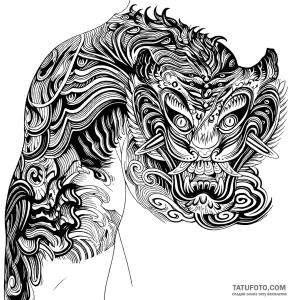
Create a tattoo sketch online for free: Your personal AI artist
You are one step away from creating the tattoo of your dreams. Forget about spending hours searching for ideas on Pinterest and trying to explain your concept to an artist with hand gestures. Our free online tattoo sketch generator is your personal digital artist that will turn any, even the wildest, fantasy into a unique design.
No more need to pick English words or limit yourself to a couple of tags. Our advanced artificial intelligence system has been specially trained to understand natural language and artistic imagery. Simply describe your idea as you see it — and our neural network will turn your words into a work of art, ready to be transferred to your skin.
Why is our sketch generator the best tool for your future tattoo?
In a world where everyone strives for individuality, generic pictures from the internet are losing their value. We offer something more — the opportunity to become a co-author of your future tattoo. Here is why thousands of people choose our service every day to create a tattoo sketch online:
- Absolutely free and without limits. Create as many variations as you need to find that perfect sketch. No subscriptions, registrations, or hidden fees.
- Understanding your language and ideas. Think in your native language? Write in your native language! Our intelligent assistant will analyze your thought, grasp its essence, and transform it into an ideal visual concept for the neural network.
- “Virtual Artist” system. We don’t just generate a picture. We offer you to choose the “artist’s hand.” Each of our “artists” is a unique creative algorithm trained to work in a specific style: from brutal blackwork and detailed graphics to delicate watercolor and bold new-school.
- Instant result. The entire process — from idea to finished sketch — takes from 30 seconds to a few minutes. You get a unique image here and now.
Latest sketches created by our users
Get inspired by the works that have already been created using our service. Each image is a unique story, born from someone’s idea and brought to life by our artificial intelligence.
The Art of the Prompt: How to speak the same language as an AI artist
Creating a prompt (text request) is a dialogue where you are the director. The more precise and imaginative you are with your task, the more impressive the result will be. Here is a complete guide to creating the perfect request.
Step 1: Formulate the main idea — “Who?” or “What?”
This is the core of your sketch. Start with the main object. Don’t be afraid of complex or abstract concepts.
- Simple objects: Wolf, Dragon, Skull, Lotus flower, Compass.
- Complex scenes: Astronaut sitting on the moon, Ship in a bottle during a storm, Girl with a face half-turned into a cyborg.
- Abstractions: Spiral of time, Chaos and order in geometry, Music wave.
Professional tip: Write in your native language, don’t hold back. Our system will understand the request: “A majestic deer with branching antlers, in which stars are tangled” much better than a dry “deer, stars”.
Step 2: Add context and details — “What kind?” and “What is it doing?”
Now bring your idea to life. Describe the character, their emotions, actions, and environment. This is the most important step for getting a unique sketch.
| Instead of this… | Try this… |
| Lion | Roaring lion in profile with a crown on its head |
| Phoenix | Fiery phoenix rising from the ashes, spreading its wings |
| Samurai | Lone samurai in armor, standing with his back turned under a rain of cherry blossom petals |
Use adjectives that convey the mood: gloomy, mystical, radiant, menacing, calm, futuristic, vintage.
Step 3: Choose a style — “Artist” hand and checkboxes
This is your main tool for styling.
- Choose an “Artist”: First, decide on the general direction. “Classic” will give detailed graphics, “Minimalism” — light and quick sketches, “Basic” — a clean result without additives.
- Refine with checkboxes: After choosing an “artist,” you can add extra touches. For example, by choosing the “Classic” style, check the “Watercolor” box, and you will get a detailed drawing with watercolor splashes. This allows you to create thousands of unique combinations.
Example combination: We choose the “Basic” artist, and in the checkboxes, we select “Linework,” “Geometry,” and “Color accent.” This way we get a strict geometric sketch, executed with thin lines, with a small splash of color.
What NOT to do:
- Do not write “draw,” “tattoo sketch,” etc. — our AI already knows you want a tattoo sketch. Focus on the idea itself.
- Don’t be afraid of length. Unlike older systems, our generator loves detailed, literary descriptions. The more you tell, the more accurate the result will be.
From idea to skin: What to do with the finished sketch?
You have received an image you like. What’s next?
- Save the result. After generation, a “Go to sketch page” button will appear. On this page, your image will be in high quality, which can be easily saved to any device.
- Discuss with an artist. Show the sketch to your tattoo artist. This is the perfect starting point. A professional will advise on how to best adapt the drawing to the muscle relief, what size to choose, and what details can be improved so that the tattoo looks perfect for many years.
- Keep experimenting! Didn’t like a detail? Return to the generator page, copy your previous request, add “with a menacing facial expression” or “in steampunk style” to it and see what happens. You are the creator!
Frequently Asked Questions (FAQ)
Question: Is it really 100% free?
Answer: Yes. Our service is a tool for creativity and inspiration. We believe that the first step toward a dream should be accessible to everyone. You can create a tattoo sketch online for free as many times as you wish.
Question: Why does the neural network sometimes “not understand” my request?
Answer: Artificial intelligence, like any artist, has its own vision. If the result is far from expected, try rephrasing the idea. Instead of “symbol of infinite love,” try describing it visually: “two intertwined trees whose roots and branches form an infinity sign.” The more concrete the image, the more accurate the result.
Question: Can I use these images for commercial purposes?
Answer: Images generated by a neural network are generally in the public domain. You can use them as a basis for a tattoo, print them on t-shirts, or use them in your projects.
Question: How unique is my sketch?
Answer: Each generation is a unique process. Even if two people enter the exact same request, they will get different results. Your sketch is truly yours.